
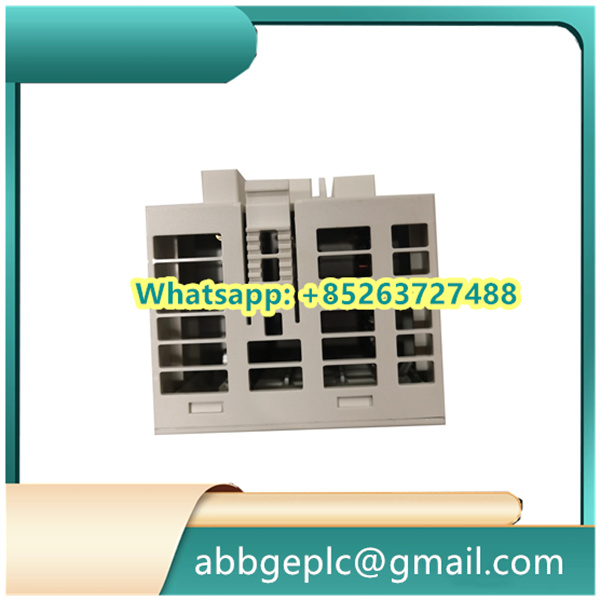
1. Pre-Operation Preparation & Safety Checks
Before powering on the REM615 numerical relay, perform the following checks to ensure safe and reliable operation:
- Visually inspect the relay casing, terminals, and connecting cables for physical damage (e.g., cracks, corrosion, or loose wires). Replace damaged components immediately if found.
- Verify that all electrical connections (power supply, current transformers/CTs, voltage transformers/VTs, and communication cables) are correctly wired according to the ABB REM615 installation manual. Ensure terminal screws are tightened to the specified torque (refer to the manual for values).
- Confirm that the input power supply voltage matches the relay’s rated voltage (check the nameplate on the relay for details, typically 110V DC/AC or 220V DC/AC).
- Ensure the system’s protective grounding (PE) is properly connected to the relay’s ground terminal to meet electrical safety standards (e.g., IEC 61850).
- Clear the area around the relay of debris, flammable materials, or conductive objects to avoid short circuits or safety hazards.
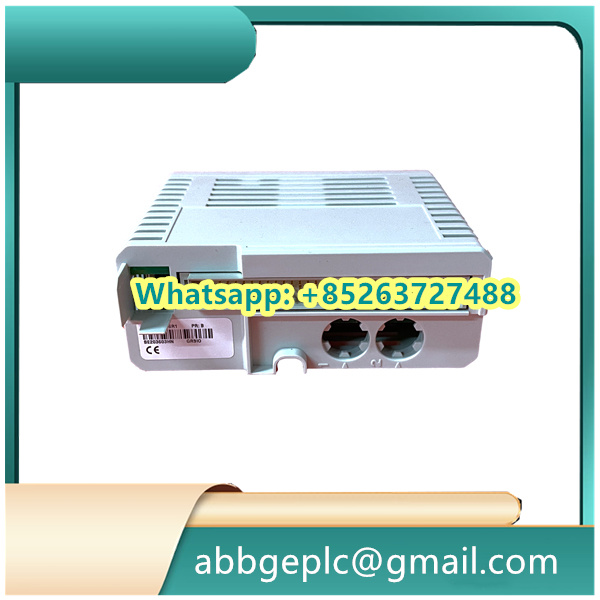
2. Power-On & Initialization
Follow this sequence to power on the relay and complete initialization:
- Power on the main power supply of the relay system in the recommended order (power up auxiliary circuits first, then the relay itself, as specified in the system manual).
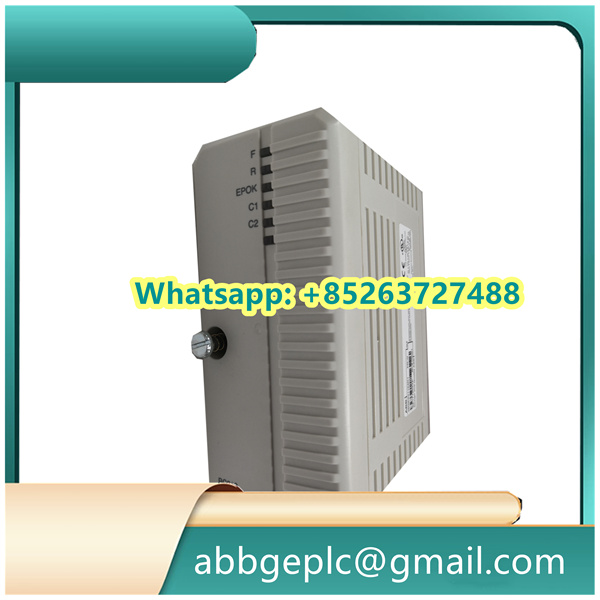
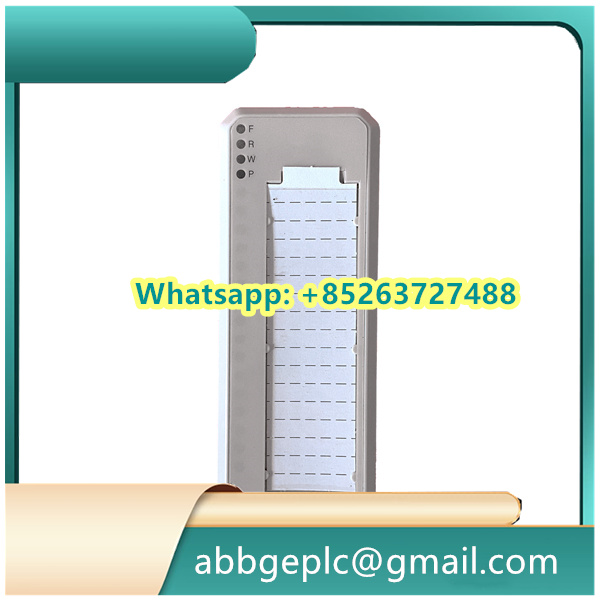
- Observe the relay’s front-panel status indicators:
- The Power LED should illuminate steadily (usually green) to confirm normal power supply.
- The Status LED will flash briefly during initialization (typically 30–60 seconds). Do not interrupt power during this period.
- Once initialization is complete, the Status LED will remain steady green, and the relay’s local HMI (Human-Machine Interface) will display the default home screen (showing basic system info like firmware version and device ID). If a red fault LED illuminates or an error code appears, refer to Section 5 (Troubleshooting) to resolve the issue before proceeding.
3. Parameter Configuration (via HMI or ABB Software)
The REM615’s protection, control, and communication parameters must be configured to match the application requirements. Configuration can be done via the local HMI or ABB’s dedicated software (e.g., PCM600 or Relion® Engineer):
3.1 Configuration via Local HMI
- Press the Menu button on the relay’s front panel to access the configuration menu. Enter the authorized user password (default passwords are provided in the manual; change it after first use for security).
- Navigate to submenus such as Protection Settings (e.g., overcurrent, earth fault, and voltage protection thresholds), Control Logic (e.g., trip/close circuit settings), and Communication (e.g., IEC 61850 or Modbus protocol parameters).
- Input or adjust parameters according to the system design (e.g., set the overcurrent pickup value to 1.2x the rated current of the protected circuit).
- After configuring all parameters, select Save from the menu to store settings in the relay’s non-volatile memory. Confirm the save operation when prompted to avoid data loss.
3.2 Configuration via ABB Software (e.g., PCM600)
- Connect a PC with PCM600 software installed to the relay’s communication port (Ethernet or RS485) using a compatible cable.
- Launch PCM600, search for the REM615 device on the network, and establish a connection using the relay’s IP address or device ID.
- Load the pre-configured project file (or create a new one) and modify parameters in the software interface (with real-time validation of setting ranges to prevent invalid inputs).
- Click Download to send the configuration to the relay. Wait for the software to display a “Download Successful” message, then verify that the relay restarts with the new settings (the Status LED may flash briefly during the restart).



There are no reviews yet.