Home/PLC/REF542plus 1VCR007346G0012 Relay Protection Equipment
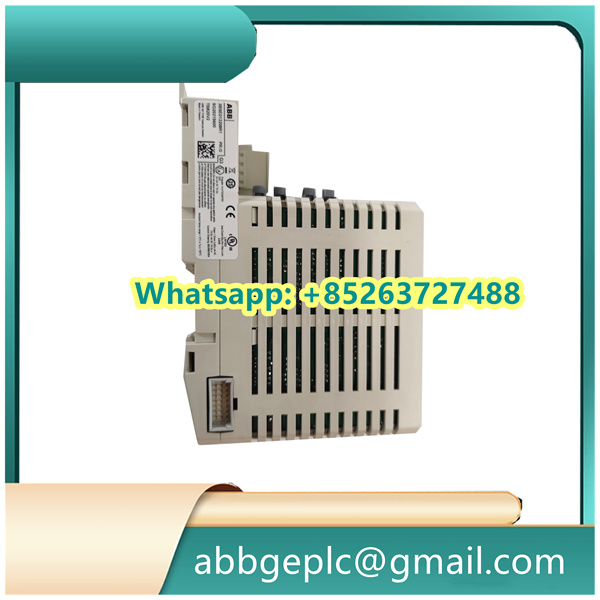
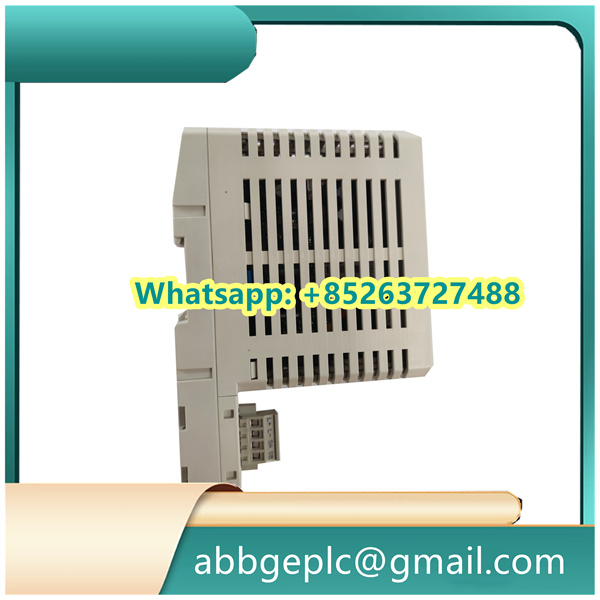
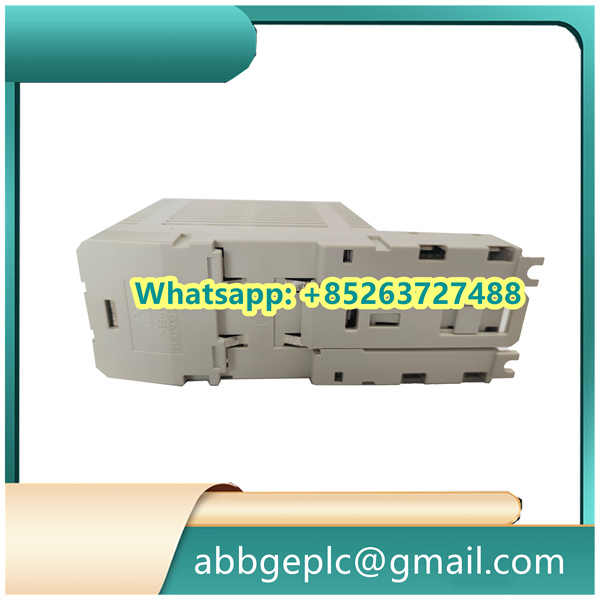
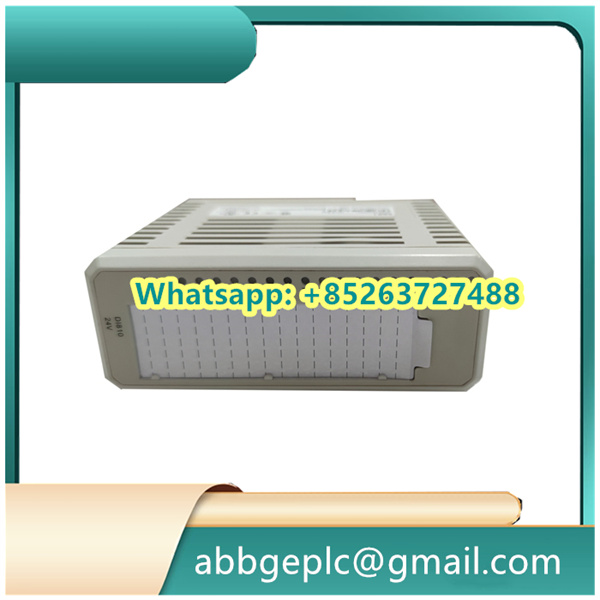
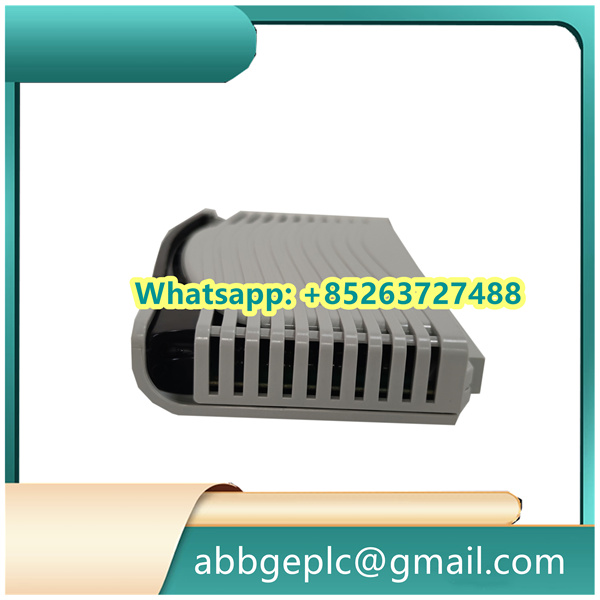
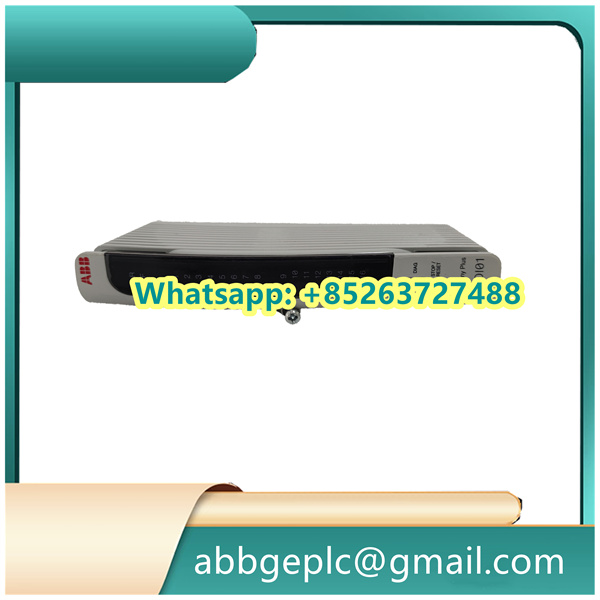
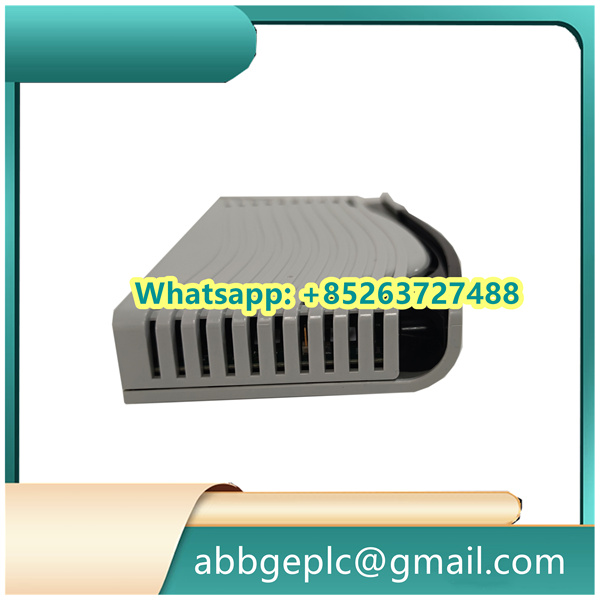
REF542plus 1VCR007346G0012 Relay Protection Equipment
-
Pre-Operation Checks
- Verify that the PPD512A10-150000 is correctly installed in the designated system slot and securely fastened with mounting screws.
- Inspect all cable connections (power, signal, and communication) to ensure they are properly seated and tightened.
- Confirm that the input voltage matches the module’s rated specifications (refer to the nameplate for details).
- Check for any visible damage to the module, connectors, or cables before powering on.
-
Powering On the Module
- Power on the main system in the specified sequence (follow the system’s startup procedure).
- Observe the status indicators on the PPD512A10-150000: the power LED should illuminate steadily, indicating proper power supply.
- Allow the module to complete initialization (typically 20-30 seconds). A steady green status LED confirms successful startup.
-
Parameter Configuration
- Connect a configuration tool (e.g., ABB’s compatible software) to the module via its communication port using a suitable cable.
- Establish a communication link between the tool and the PPD512A10-150000, ensuring the correct protocol and address settings are used.
- Load or input the required parameters (such as protection thresholds, operating modes, and signal routing) according to the system design.
- Validate the configuration data for accuracy, then save and download it to the module. Wait for confirmation of successful data transfer.
-
Normal Operation and Monitoring
- Monitor real-time data (current, voltage, status signals) through the configuration software or connected HMI.
- Regularly check the module’s indicator LEDs: a flashing or red status LED indicates an alarm or fault condition.
- Record operational data and fault logs as needed for system maintenance and troubleshooting.
- Ensure the module responds correctly to input signals and executes protection actions as configured.
-
Troubleshooting Basic Issues
- If a fault is detected (indicated by alarms or abnormal LEDs), refer to the fault code displayed in the configuration software.
- Check for loose connections, voltage fluctuations, or excessive ambient temperature as potential causes.
- Reset the module if necessary via the software or physical reset button (if equipped), following safety procedures.
- For persistent issues, consult the official manual or contact ABB technical support with detailed fault information.
Product has been added to your cart




There are no reviews yet.