Home/ABB/PP863 Module in Symphony Plus DCS
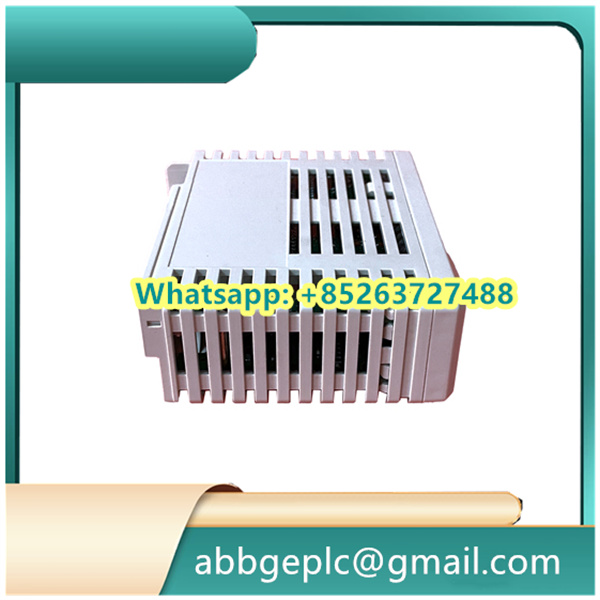
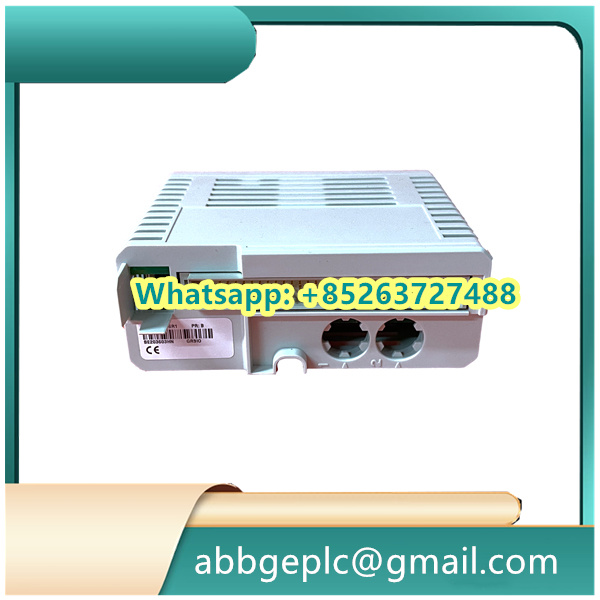
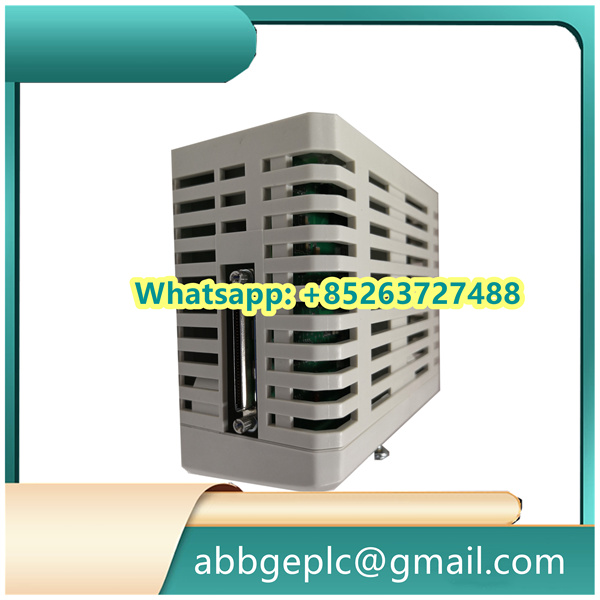
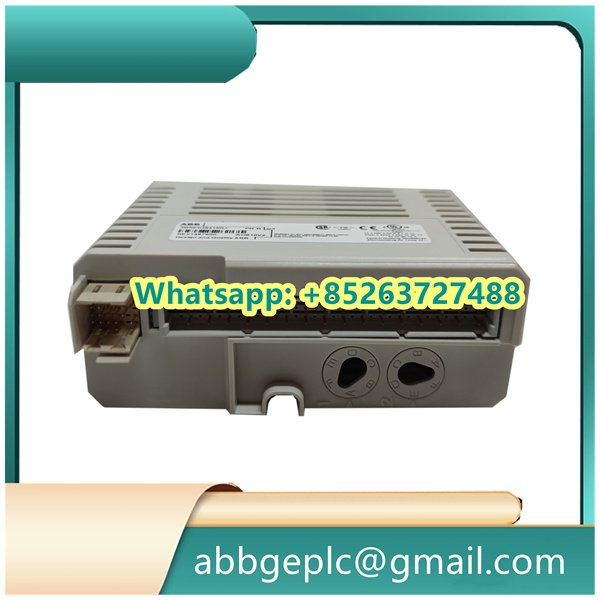
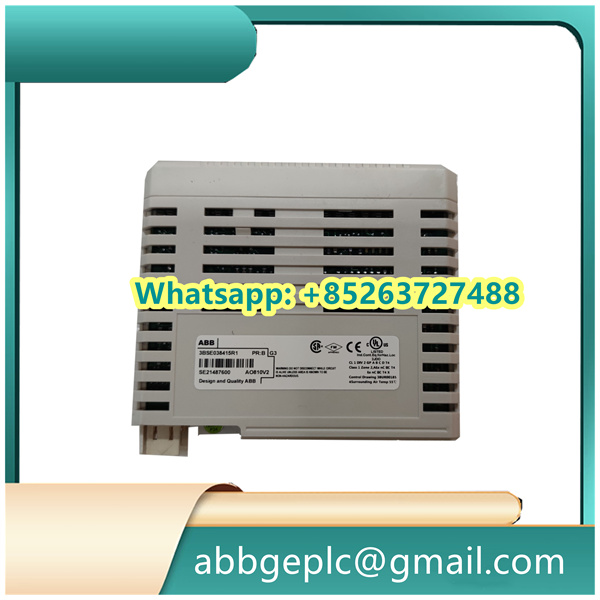
PP863 Module in Symphony Plus DCS
-
Environmental Requirements
- Install the panel in a location with ambient temperature between 0°C and 50°C (32°F to 122°F) and relative humidity between 5% and 95% (non-condensing).
- Avoid direct exposure to sunlight, strong vibrations, excessive dust, corrosive gases, or liquids.
- Ensure adequate ventilation around the panel to prevent overheating.
-
Mechanical Installation
- Verify that the mounting surface is flat, sturdy, and capable of supporting the panel’s weight.
- Use the provided mounting brackets and screws (complying with ABB specifications) to secure the panel. Do not over-tighten screws to avoid damaging the casing.
- Maintain a minimum clearance of 100mm (4 inches) around the panel for heat dissipation and cable access.
- Ensure the touchscreen surface is not subjected to excessive pressure during or after installation.
-
Electrical Safety
- Disconnect all power sources before connecting cables to prevent electrical shock or component damage.
- Ensure the supply voltage matches the panel’s rated voltage (check the nameplate for details).
- Connect the protective earth (PE) terminal securely to the system ground to meet safety standards.
- Route signal and power cables separately from high-voltage cables to minimize electromagnetic interference (EMI).
-
Cable Connections
- Use only ABB-approved cables and connectors for data and power connections.
- Ensure all cable connections are tight and secure to prevent intermittent signal loss.
- Avoid bending cables excessively or applying tension to connections, as this may damage conductors.
- Label cables clearly to facilitate future maintenance or troubleshooting.
-
Post-Installation Checks
- After installation, inspect all connections to confirm they are correct and secure.
- Power on the system and verify that the panel initializes properly, with no error messages displayed.
- Test the touchscreen functionality across its entire surface to ensure responsive and accurate operation.
- Check that all indicator lights function correctly and that the panel communicates properly with connected devices.
-
General Safety
- Follow all local electrical codes and safety regulations during installation.
- Use appropriate personal protective equipment (PPE) such as insulated gloves and tools when working with electrical components.
- Do not modify the panel’s casing or internal components, as this may void the warranty and create safety hazards.
- For wall or panel mounting, ensure the installation complies with the specified ingress protection (IP) rating requirements.
Product has been added to your cart




There are no reviews yet.