Home/ABB/PM864A 3BSE018162R1 PLC CPU Module
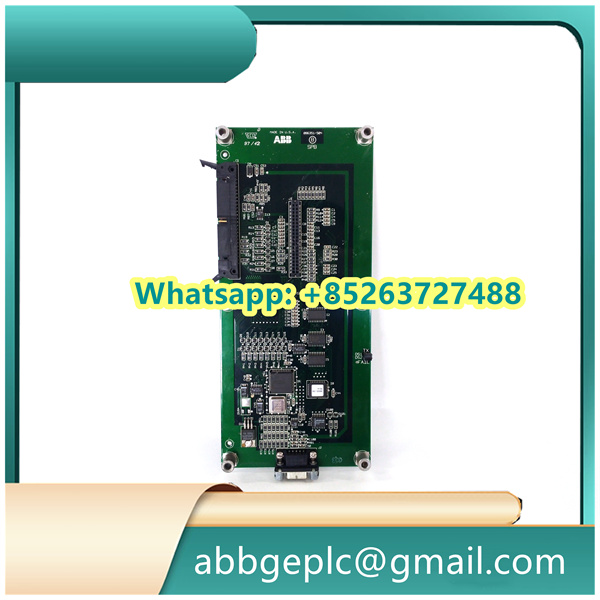
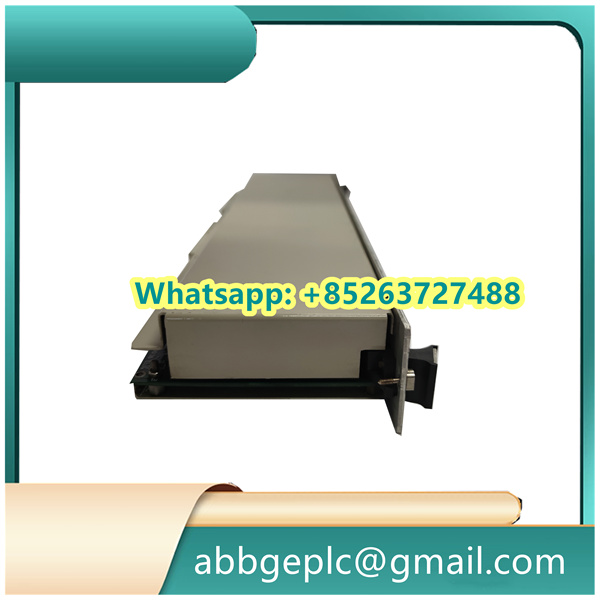
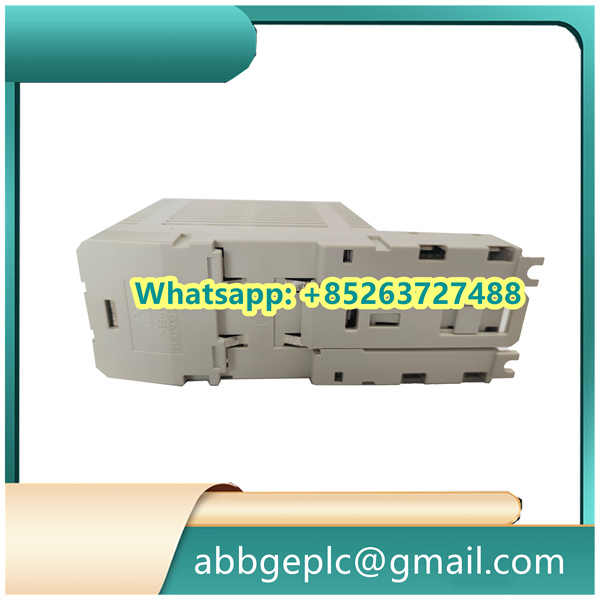
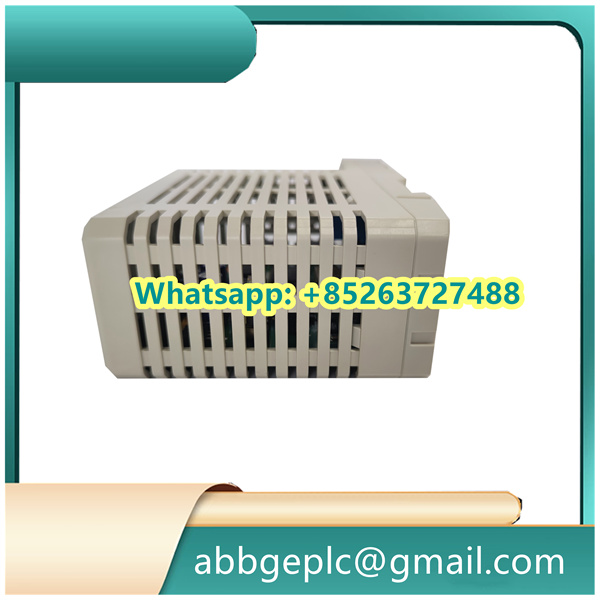
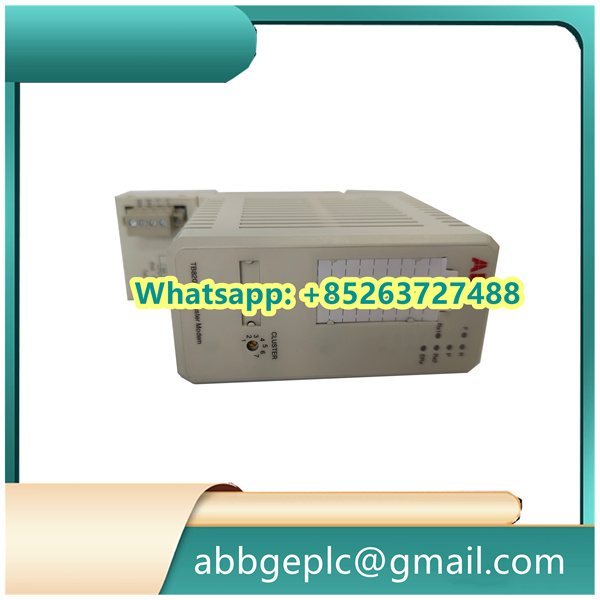
PM864A 3BSE018162R1 PLC CPU Module
-
Installation Procedure
- Power off the host system and ensure all related circuits are de-energized.
- Align Processor Module with the designated slot on the backplane, ensuring the pins match the connectors.
- Gently insert the module until it is fully seated, then secure it with the retaining screws to prevent 松动 (loosening) during operation.
-
Power-On and Initialization
- Restore power to the system and observe the status indicators on the module.
- The “Power” LED should illuminate steadily, and the “Status” LED should flash briefly during initialization.
- Wait for the initialization process to complete (typically 30-60 seconds) until the “Status” LED remains steady green, indicating normal operation.
-
Configuration via Programming Tool
- Connect a programming device (e.g., PC with compatible software) to the module’s communication port using a suitable cable.
- Launch the configuration software and establish a connection with the module.
- Load or create a project file, configure parameters such as I/O mappings, communication protocols, and operating modes according to system requirements.
- Verify the configuration data and download it to the module. Wait for the confirmation message indicating successful transfer.
-
Operation and Monitoring
- Monitor real-time data and module status through the software interface or front-panel indicators.
- Check for error codes or alarm signals (if any) and troubleshoot according to the user manual.
- Perform functional tests by simulating input signals to ensure the module executes 预设 (preset) logic correctly.
-
Maintenance and Replacement
- For routine maintenance, power off the system and disconnect the module following the reverse order of installation.
- Inspect connectors for dust or corrosion and clean if necessary.
- When replacing the module, ensure the new unit has the same model and firmware version to maintain compatibility. Repeat the initialization and configuration steps after replacement.
-
Shutdown Procedure
- Save all current configuration data to the programming device.
- Power off the host system in the specified sequence to prevent data loss or damage to the module.
- Disconnect external connections if the module will be stored or transported.
Product has been added to your cart




There are no reviews yet.