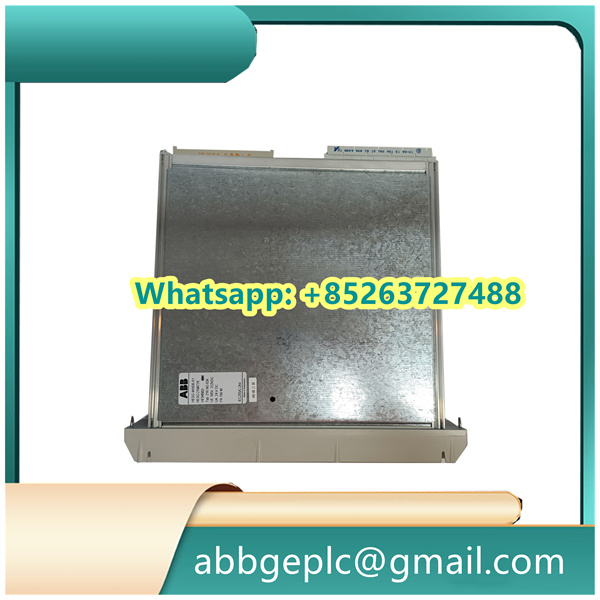
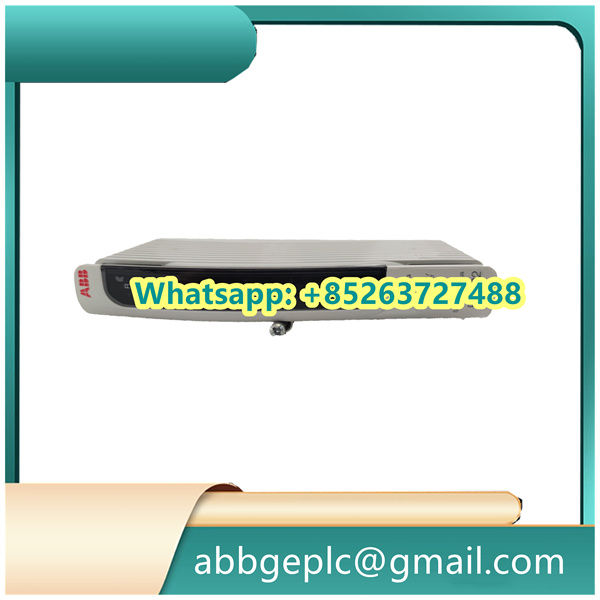
Home/ABB/PFVL141C 3BSE024994R800 8,0 MN ABB Force Sensor Module
PFVL141C 3BSE024994R800 8,0 MN ABB Force Sensor Module
-
Safety Precautions
- Ensure the power supply to the control system is disconnected before starting installation.
- Wear appropriate personal protective equipment such as anti-static gloves.
- Verify that the CI853 module is compatible with your ABB control system version.
-
Prepare the Installation Environment
- Check that the mounting rail or rack is securely fastened and in good condition.
- Ensure the installation area is clean, dry, and free from excessive dust, vibration, or extreme temperatures.
-
Mount the CI853 Module
- Align the module with the guide rails on the mounting rack.
- Slide the module into position until it clicks into place.
- Secure the module using the retaining screws provided, tightening them to the recommended torque specification.
-
Connect Communication Cables
- Identify the appropriate communication ports on the CI853 module (e.g., PROFIBUS, Ethernet).
- Connect the communication cables to the corresponding ports, ensuring proper alignment of the connectors.
- Secure the cable connectors with the locking mechanisms to prevent accidental disconnection.
-
Connect Power Supply (if applicable)
- Locate the power input terminals on the module.
- Connect the power supply cables to the correct terminals, following the polarity markings.
- Ensure the power supply voltage matches the module’s specifications.
-
Perform Initial Checks
- Double-check all connections to ensure they are secure and correct.
- Inspect the module for any visible damage or loose components.
- Remove any tools or debris from the installation area.
-
Power On and Verify Operation
- Restore power to the control system.
- Check the status indicators on the CI853 module; the power indicator should illuminate, and there should be no error indicators.
- Use the appropriate ABB configuration software to verify that the module is recognized by the system.
-
Complete Configuration
- Configure the communication parameters of the CI853 module using the ABB control system software.
- Perform any necessary network testing to ensure proper communication between the module and other system components.
- Save the configuration settings in the system.
-
Final Inspection
- Conduct a final visual inspection of all connections and the module installation.
- Document the installation details, including module location, configuration settings, and any special notes.
Product has been added to your cart




There are no reviews yet.