Home/Others/PFSK152 3BSE018877R1 Signal Concentrator Board
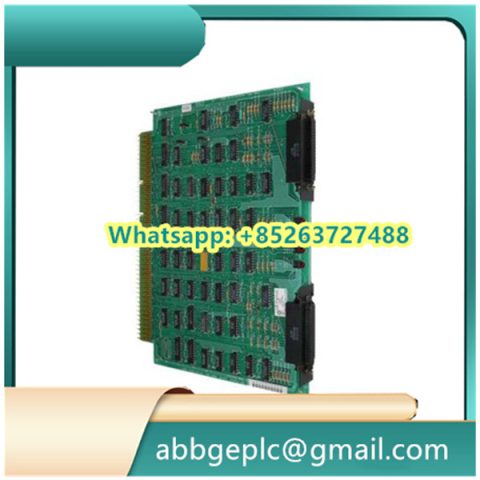
PFSK152 3BSE018877R1 Signal Concentrator Board
- Ensure the power supply of the connected system (e.g., ABB AC500 PLC) is completely turned off to avoid electrical damage.
- Verify that the PFSK152 board (model: 3BSE018877R1) and its matching cables (e.g., signal input/output cables) are free from physical damage (e.g., bent pins, cracked casings).
- Prepare necessary tools: anti-static wristband, screwdriver (matching the board’s mounting screws), and a torque wrench (if required by the installation specification).
- Wear the anti-static wristband and connect it to a grounded terminal to prevent electrostatic discharge (ESD) from damaging the board.
- Align the PFSK152 board with the guide rails or mounting slots of the target cabinet/rack (compatible with ABB AC500 series enclosures).
- Secure the board to the mounting structure using the specified screws; tighten them to the recommended torque (refer to ABB’s technical manual for exact values) to avoid loose connections.
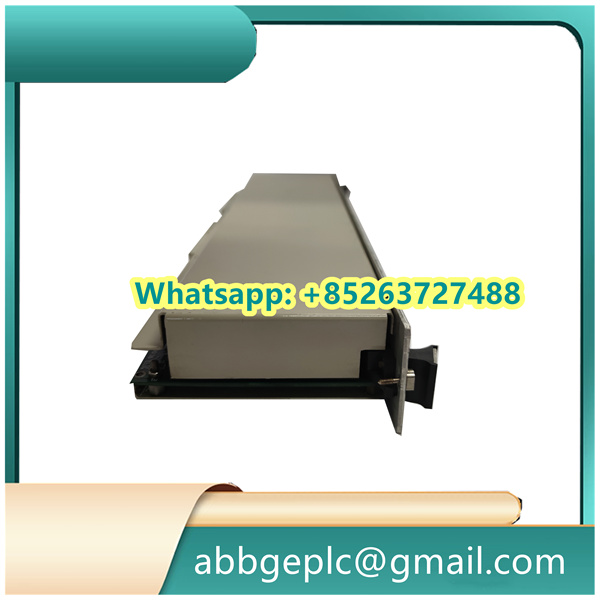
- Identify the signal input/output terminals on the PFSK152 board (labeled on the board surface, e.g., “AI” for analog input, “DI” for digital input).
- Connect the corresponding signal cables to the terminals:
- For analog signals (e.g., 4-20mA, 0-10V), ensure the positive (+) and negative (-) poles of the cables match the terminal markings.
- For digital signals (e.g., dry contact signals), confirm the cable connections align with the “NO” (Normally Open) or “NC” (Normally Closed) requirements of the system.
- Tighten the terminal screws gently to fix the cables; avoid over-tightening to prevent terminal damage.
- Turn on the power supply of the connected system (e.g., PLC) and observe the indicator lights on the PFSK152 board:
- The “PWR” (Power) light should illuminate steadily (usually green) to indicate normal power supply.
- No fault lights (e.g., “ERR” in red) should be lit; if a fault light is on, power off immediately and recheck cable connections.
- Launch the compatible configuration software (e.g., ABB Control Builder Plus) on the host computer, and establish communication with the connected PLC (via Ethernet or serial port).
- In the software, locate the “Signal Concentrator” module, select the PFSK152 board (recognized by model 3BSE018877R1), and configure signal parameters:
- Set signal types (analog/digital) for each input/output channel.
- Calibrate analog signals (if required) using the software’s built-in calibration tool, following the reference values provided in the ABB technical manual.
- Save the configuration to the PLC and send it to the PFSK152 board to activate the settings.

Product has been added to your cart

There are no reviews yet.