
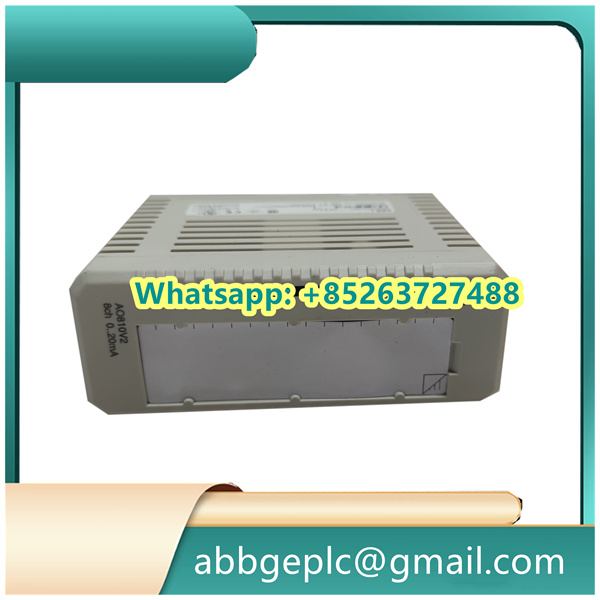
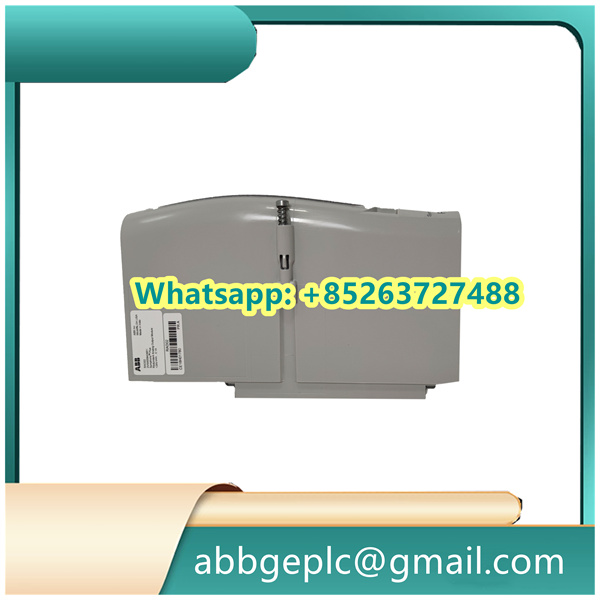
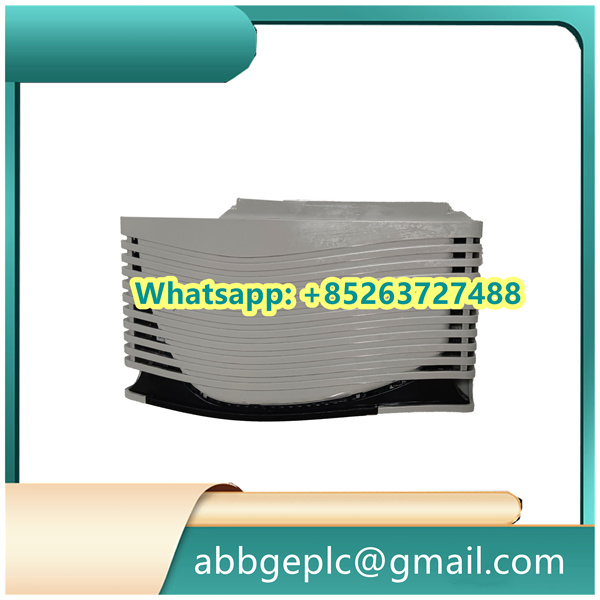
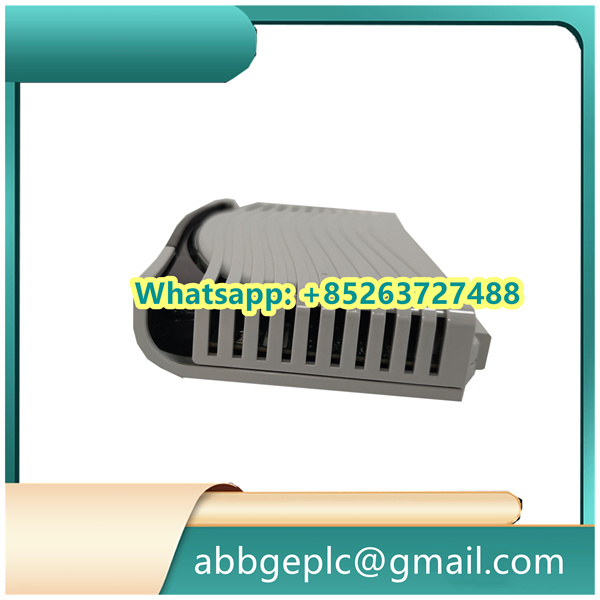
Daily Maintenance Procedures for KSD211B101 3BHE022455R1101
- Visual Inspection
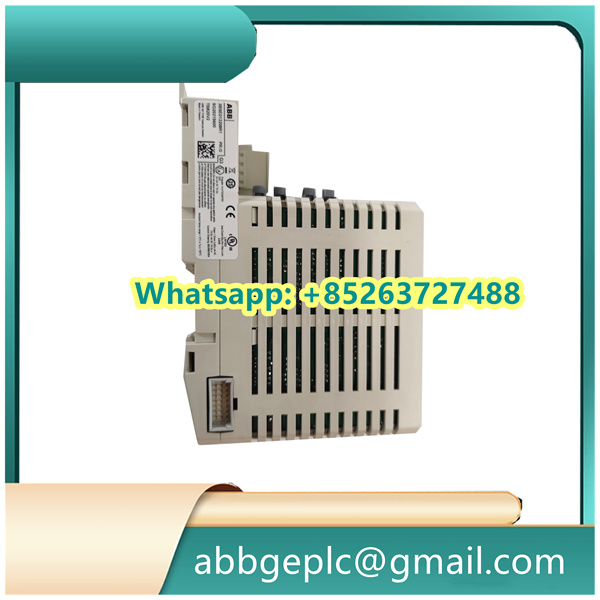
- Check the module surface for physical damage (e.g., cracks, scratches on the casing) and signs of corrosion, overheating (discolored components), or loose connectors.
- Verify that all terminal screws, plug-in interfaces (such as power and signal ports), and mounting brackets are securely fastened.
- Functional Check
- Power on the system and confirm the module’s status indicators (LEDs) show normal operation (e.g., steady green for power, no error codes like flashing red).
- Run a self-test via the associated control system to ensure the module communicates properly with other components and executes commands accurately (e.g., signal transmission, data feedback).
- Cleaning
- Power off the module before cleaning. Use a dry, lint-free cloth to wipe dust off the surface and ventilation slots; avoid using water or chemical cleaners that may damage components.
- For stubborn dust in connectors, use a soft-bristled brush (e.g., anti-static brush) to gently remove debris—do not insert any tools into the ports.
- Environmental Monitoring
- Ensure the module operates in a suitable environment: temperature (typically 0–40°C), relative humidity (30%–70%, non-condensing), and no exposure to excessive dust, vibration, or corrosive gases.
- Check surrounding cooling systems (e.g., fans, heat sinks) to ensure they function normally and prevent overheating of the module.
- Record-Keeping
- Document each maintenance session, including date, inspector, findings (e.g., “no loose connectors, LED indicators normal”), and any actions taken (e.g., “cleaned ventilation slots”).
- Track the module’s operation time and schedule periodic deep inspections (e.g., every 6 months) based on the manufacturer’s recommendations.



There are no reviews yet.