
Pre-Operation Safety & Inspection
- Implement Lockout-Tagout (LOTO) procedures on the main power supply of the excitation cabinet to eliminate electrical shock risks during preparation.
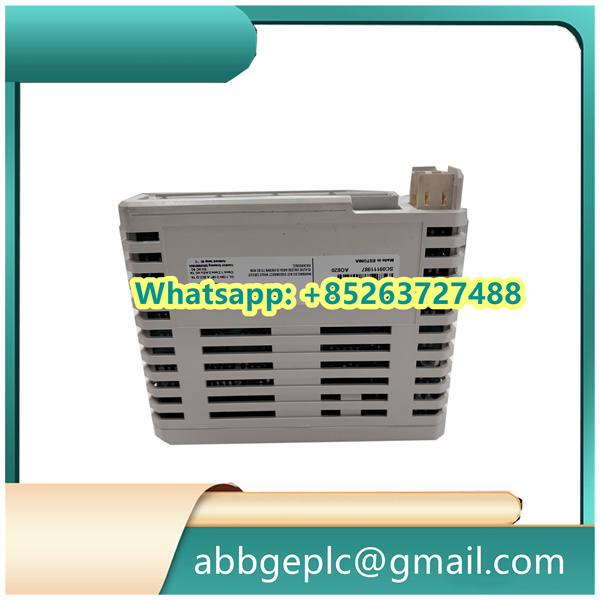
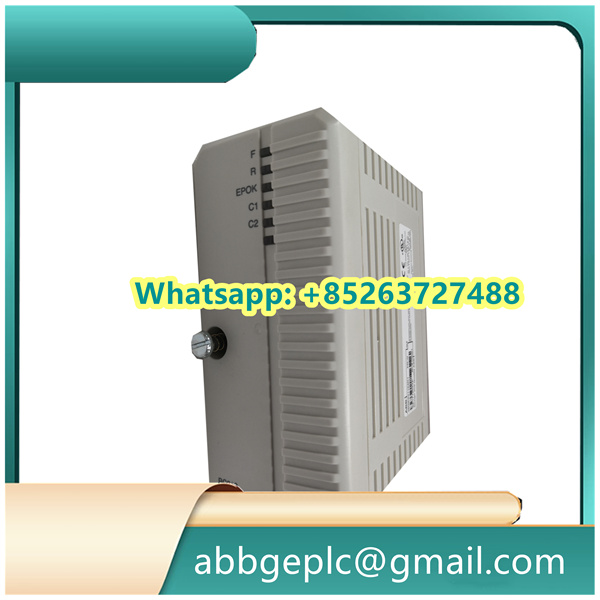
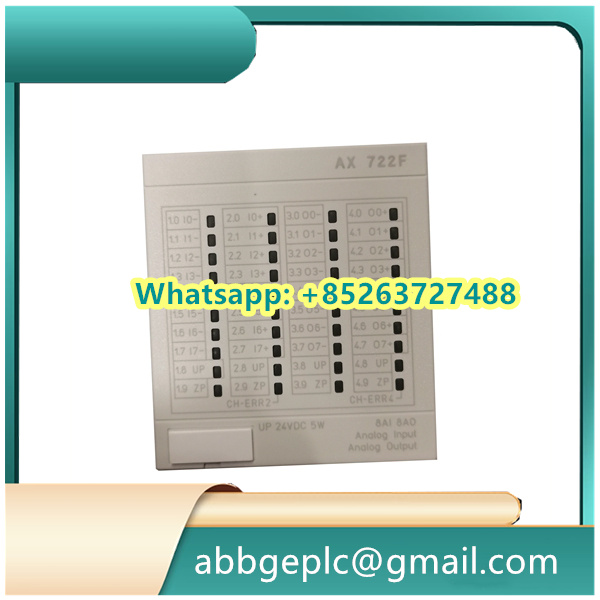
- Conduct a physical inspection of the GFD233A module:
- Check for visible damage (e.g., cracked housing, corroded terminals, frayed wires) on the module and its connecting cables.
- Verify that all terminal connections (power input, signal lines, communication cables) are tight and aligned with the system wiring diagram—pay special attention to the 24V DC power terminals and analog input/output (I/O) ports.
- Confirm environmental compliance with ABB specifications:
- Ambient temperature: -5°C to +55°C (23°F to 131°F); avoid direct sunlight or heat sources.
- Relative humidity: ≤95% (non-condensing); install a dehumidifier if moisture levels exceed limits.
- Vibration: ≤0.1g (10Hz to 1000Hz); ensure the excitation cabinet is mounted on a stable, vibration-damped surface.
2. Power-Up Sequence
- Remove LOTO devices from the main power supply only after confirming all personnel are clear of the cabinet.
- Turn on the cabinet’s main power breaker, followed by the GFD233A module’s dedicated power switch (labeled “MODULE POWER” on the front panel).
- Monitor the module’s LED status indicators for 60 seconds to confirm normal startup:
- Green “PWR” LED: Illuminates steadily to indicate successful 24V DC power input.
- Yellow “INIT” LED: Flashes during self-test (typically 30–45 seconds) and turns solid once initialization is complete.
- Red “FAULT” LED: Remains off; if lit (steady or flashing), immediately shut down power and refer to Section 6 (Troubleshooting).
- Verify communication with the supervisory system (e.g., ABB 800xA DCS): Check the “COMM” LED (blue) for a steady glow, indicating active data transmission.



There are no reviews yet.