
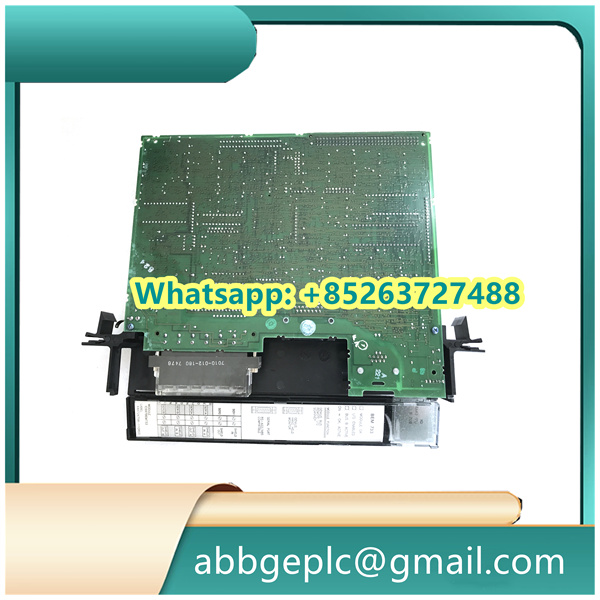
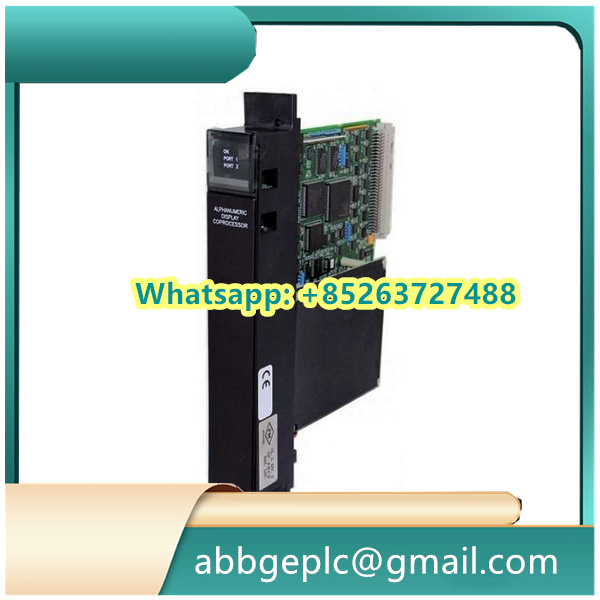
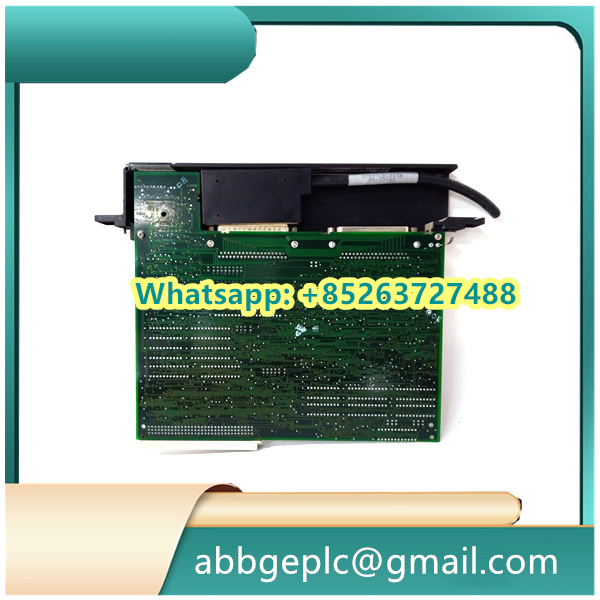
I. Basic Maintenance: Environmental and Visual Inspection (Recommended Frequency: Once a week in normal environments; once every 3 days in harsh environments such as dusty, high-temperature, or high-humidity conditions)
The physical environment and appearance of the module are fundamental to its stable operation, so external risks must be checked first:
1. Inspection of Environmental Parameter Compliance
- Temperature Control: Ensure the operating environment temperature is within the range of 0~60℃ (refer to GE’s general standards for industrial modules; specific values shall be subject to the product manual). Keep the module away from heat sources such as frequency converters and heaters. If necessary, install cooling fans or heat insulation panels around the module.
- Humidity Control: The relative humidity of the environment shall be ≤95% with no condensation. In humid environments, place desiccants in the control cabinet to prevent short circuits in the module’s internal circuits (caused by moisture) or oxidation of terminal blocks.
- Cleaning and Protection: Use dry compressed air (with pressure ≤0.4MPa) to blow off dust on the module surface, focusing on heat dissipation holes and gaps between terminal blocks—this prevents poor heat dissipation or short circuits between terminals due to dust accumulation. For oil stains, gently wipe the housing with a lint-free cloth dipped in anhydrous alcohol (ensure alcohol does not seep into the module interior).
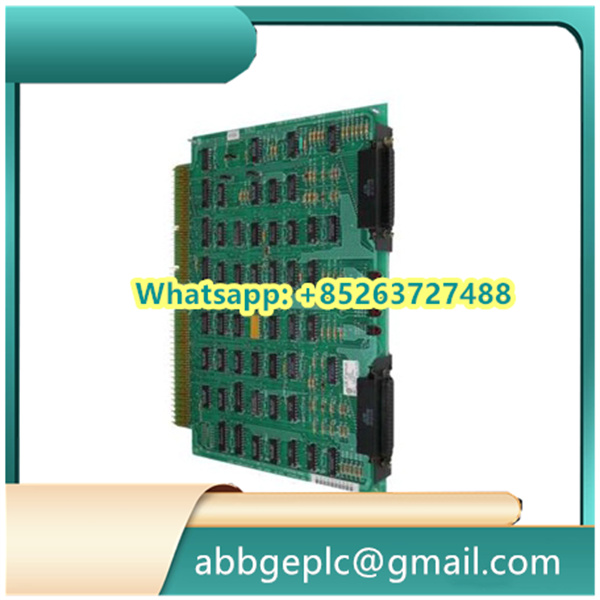
2. Inspection of Appearance and Mounting Status
- Housing and Indicator Panel: Check for cracks, deformation, or burn marks (e.g., yellowing of the housing, scorch marks near terminals). If any of these exist, the issue may be caused by overload, short circuit, or heat dissipation failure—shut down the system immediately for further inspection.
- Mounting Screws: Check if the mounting screws between the module and the backplane are loose (vibration may cause poor contact between the module and backplane, leading to intermittent signals). If loose, tighten them evenly in a diagonal sequence with a screwdriver (torque shall refer to the product manual, usually 0.8~1.2N・m).
- Terminal Blocks: Ensure no foreign objects (e.g., metal shavings, wire insulation) are present, and the plastic base of the terminals is free from aging or damage—this prevents short circuits or detachment of the terminals.
3. Judgment of Indicator Light Status (Core Reference Signal)
The module is equipped with standard indicators: Power Light (PWR), Run Light (RUN), and Fault Light (FAULT). Their normal status shall follow the logic below:
- PWR Light: Stays on continuously after power-on. If it goes out, first check if the backplane power voltage matches the module’s rated voltage (usually 24VDC or 120VAC). If the voltage is abnormal, inspect the power module or power supply line.
- RUN Light: Stays on continuously or flashes at the frequency specified in the manual (e.g., once per second) during normal operation. If it goes out or flashes continuously (e.g., 5 times per second), there may be a communication interruption between the module and the controller (e.g., PLC).
- FAULT Light: Remains off under normal conditions. If it lights up (red), read the fault code via the controller’s diagnostic interface (e.g., “E01” indicates output short circuit, “E02” indicates overload) and conduct targeted troubleshooting.
There are no reviews yet.