
1. Visual Inspection
- Exterior Condition
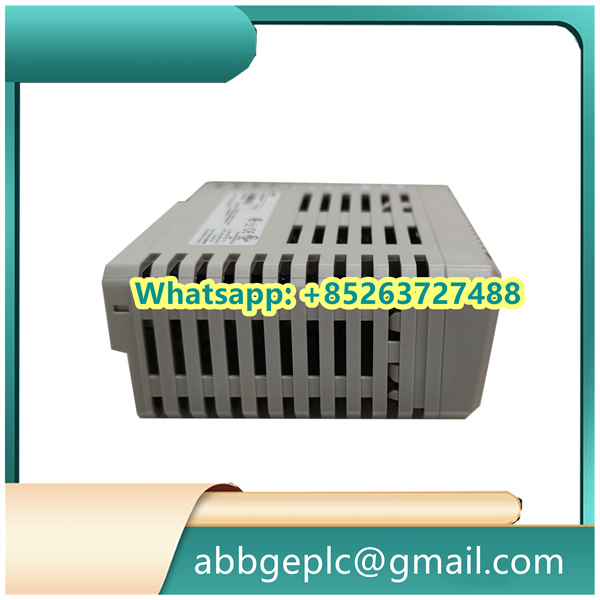
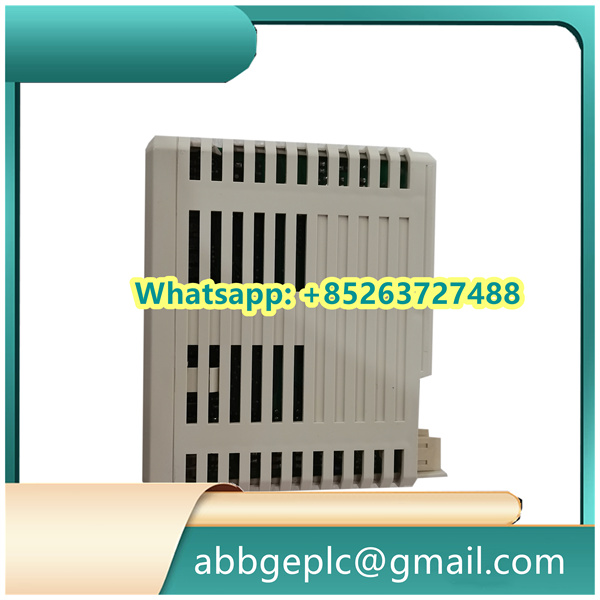
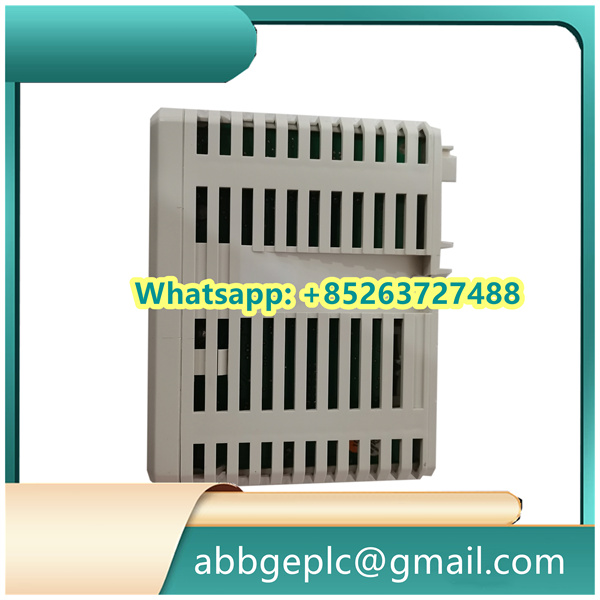
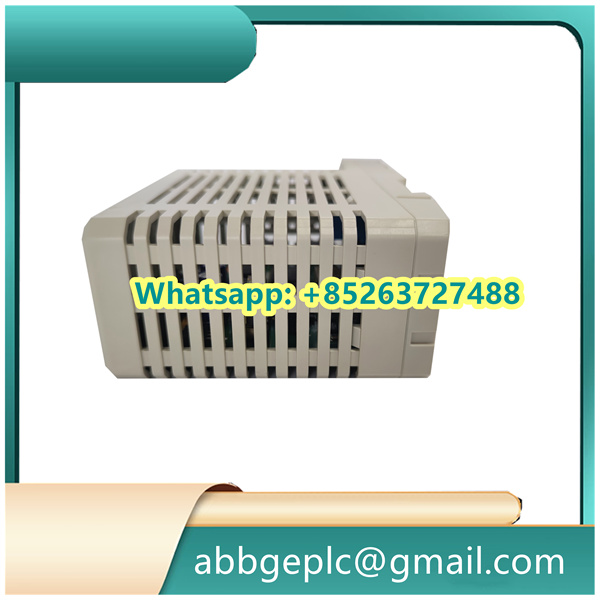
- Check the physical casing of the GRBTU 3BSE013175R1 for any signs of damage, such as cracks, dents, or scratches. A damaged casing may expose the internal components to dust, moisture, or physical impacts, potentially leading to malfunctions. If any significant damage is detected, immediately isolate the unit and consult ABB’s technical support for further assessment and repair.
- Look for signs of overheating, such as discoloration around ventilation openings or near heat – generating components. Overheating can cause premature component failure. Ensure that there are no obstructions to the unit’s ventilation paths, and that it is not placed in an area with poor air circulation.
- Connector and Wiring Integrity
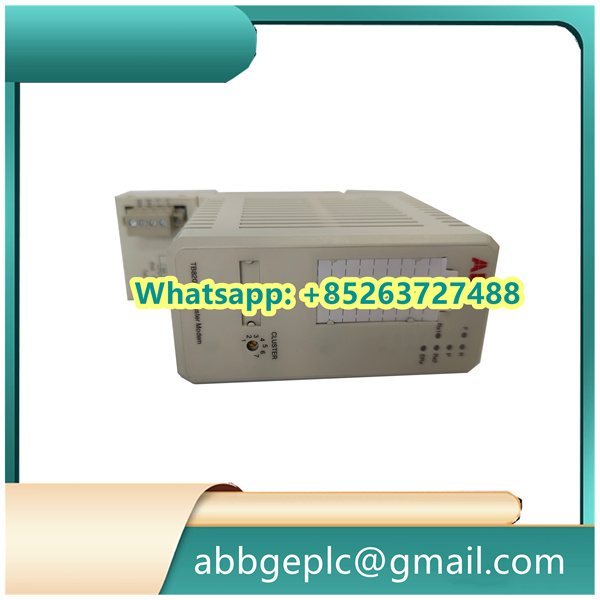
- Inspect all connectors (both power and communication) for any signs of looseness, corrosion, or damage. Loose connectors can result in intermittent power supply or communication failures. Tighten any loose connectors gently, following the proper torque specifications provided by ABB.
- Check the cables connected to the GRBTU 3BSE013175R1 for any visible signs of wear, cuts, or exposed wires. Damaged cables should be replaced with ABB – approved cables of the appropriate type and 规格. For example, if it is a communication cable for a specific protocol like Modbus RTU, ensure the replacement cable meets the requirements for that protocol’s electrical characteristics.
2. Power – Related Checks
- Power Supply Voltage
- Use a multimeter to measure the input power supply voltage to the GRBTU 3BSE013175R1. For most ABB devices in industrial settings, the typical rated voltage is 24 VDC. However, always refer to the product documentation for the exact voltage requirements. The measured voltage should be within the acceptable tolerance range specified by ABB, usually ±10% of the rated voltage. If the voltage is outside this range, investigate the power source, such as checking for issues with the power supply unit, fuses, or voltage regulators in the electrical distribution system.
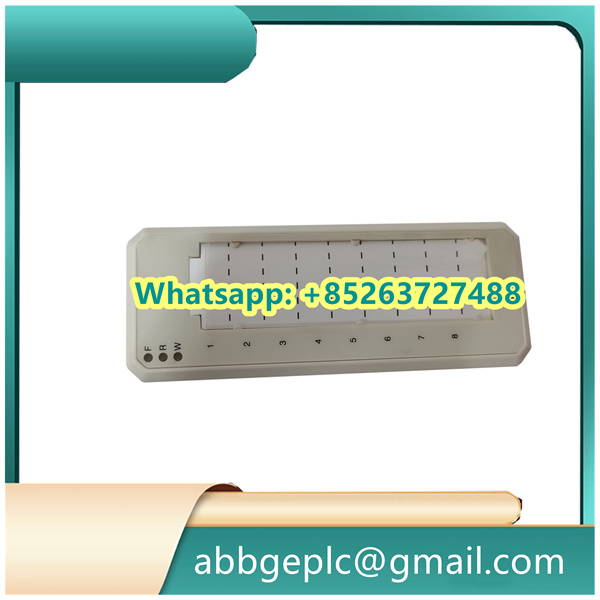
- Observe the power indicator lights on the GRBTU 3BSE013175R1. A steady – lit power LED (usually green) indicates normal power supply. If the LED is off, flashing, or showing an abnormal color, it may signal a power problem. In such cases, re – check the power connections and voltage as described above.
- Power Consumption Monitoring (Optional)
- If the system has the capability to monitor power consumption (for example, through an energy management system integrated with the industrial network), review the power consumption data of the GRBTU 3BSE013175R1. A significant increase in power consumption compared to normal operating levels may indicate an internal component malfunction, such as a short circuit in the circuitry. If an abnormal power consumption trend is detected, further diagnostic tests are required, which may involve disconnecting non – essential peripherals and monitoring power consumption again to isolate the source of the problem.
3. Communication Checks
- Data Transmission Status
- Monitor the data transmission between the GRBTU 3BSE013175R1 and other connected devices in the industrial network, such as controllers, sensors, or actuators. If the unit is used for data acquisition, check that the received data from sensors is within the expected range and has the correct time – stamping. For example, if it is receiving temperature data from a sensor, the values should be consistent with the physical environment and the sensor’s calibration.
- Use diagnostic tools provided by ABB or network – monitoring software to check for communication errors, such as CRC (Cyclic Redundancy Check) errors, packet loss, or connection timeouts. High error rates can disrupt the normal operation of the automation system. If communication errors are detected, verify the communication settings (such as baud rate, parity, and IP address for Ethernet – based communication) on both the GRBTU 3BSE013175R1 and the connected devices. Also, check the integrity of the communication cables and network infrastructure components like switches or routers.
- Communication Link Redundancy (If Applicable)
- If the GRBTU 3BSE013175R1 is part of a redundant communication system (for enhanced reliability), ensure that the redundant communication links are functioning correctly. Test the failover mechanism by simulating a failure of the primary communication link (under controlled conditions, following proper safety procedures). The unit should automatically switch to the redundant link without significant disruption to data transmission. If the failover does not occur as expected, troubleshoot the redundant communication configuration, including checking the redundancy management settings and the health of the redundant communication hardware.
4. Software – Related Checks
- Firmware Version Check
- Verify that the GRBTU 3BSE013175R1 is running the latest recommended firmware version provided by ABB. Check ABB’s official website regularly for firmware updates. New firmware versions often include bug fixes, security enhancements, and performance improvements. If an update is available, follow ABB’s detailed instructions for firmware upgrade carefully. Before starting the upgrade process, backup all the relevant configuration data of the GRBTU 3BSE013175R1 to prevent data loss in case of upgrade failures.
- Configuration Integrity
- Review the device configuration settings to ensure they have not been accidentally modified. Compare the current configuration with a previously saved backup (if available). Key configuration parameters may include communication protocols, data mapping settings, and any custom – defined functions. If any discrepancies are found, correct the settings based on the original configuration documentation. Some configuration changes may require the unit to be restarted, so plan accordingly to minimize disruption to the industrial process.



There are no reviews yet.