
1. Pre – Operation Safety Precautions
Before starting any operation, strictly adhere to these safety requirements to prevent equipment damage or personal injury:
- Ensure the working environment meets the module’s specifications: Temperature range of – 25°C to + 70°C, relative humidity ≤ 90% (non – condensing), and no corrosive gases or excessive dust.
- Verify that the power supply voltage matches the module’s rated value (typically 24V DC ± 10% for ABB industrial modules). Use a multimeter to confirm the power supply is stable and free of overvoltage or reverse polarity.
- Wear appropriate personal protective equipment (PPE), such as insulated gloves and safety glasses, when handling wiring or power – on operations.
- Do not touch exposed terminals or internal components while the module is powered on—risk of electric shock.
2. Power – On Preparation
2.1 Wiring Inspection
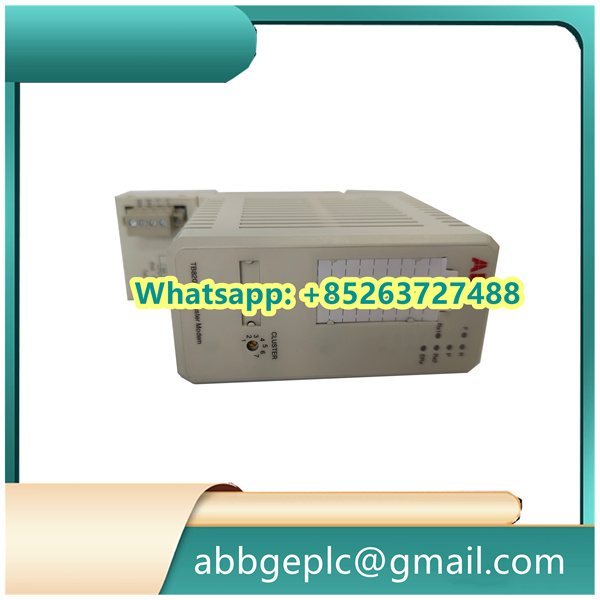
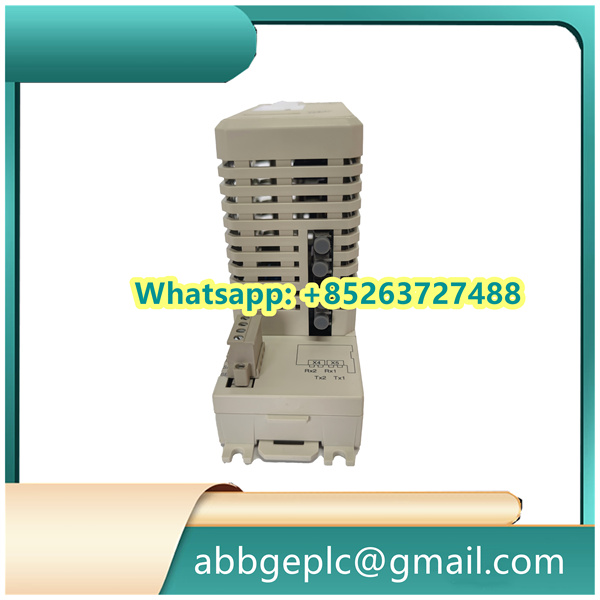
- Check the physical connection of DSRF182AK02:
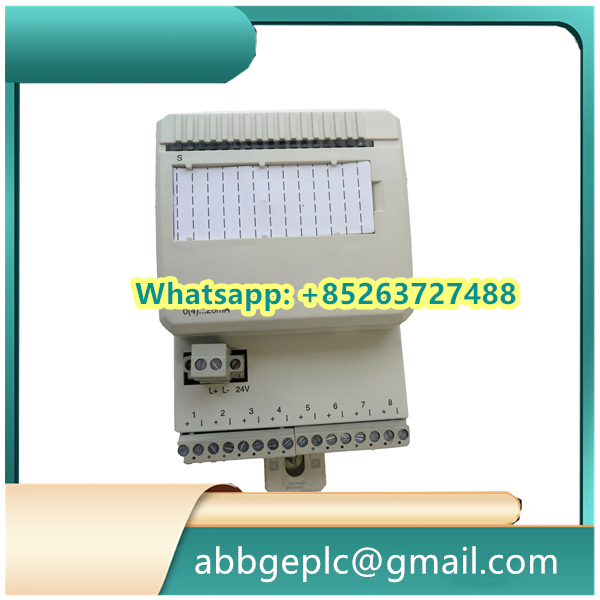
- Confirm power terminals (labeled “V+”/“V – ”) are securely connected to the industrial power supply, with no loose wires or damaged insulation.
- Verify signal input/output terminals (e.g., “IN1”/“OUT1” for analog signals, “DI”/“DO” for digital signals) are correctly wired to field devices (sensors, actuators) or the upper – level control system (e.g., ABB PLC).
- Ensure the ground terminal (“GND”) is properly connected to the system’s protective ground (PE) to avoid electromagnetic interference (EMI).
- Use a multimeter to test for short circuits between terminals (especially between “V+” and “GND”)—do not proceed if a short circuit is detected.
2.2 Module Mounting Check
- Confirm DSRF182AK02 is firmly installed on a standard 35mm DIN rail (EN 60715) or fixed via bolts (torque: 0.8–1.2 N·m for M4 screws).
- Check for mechanical damage (e.g., cracked housing, bent terminals) and ensure ventilation around the module is unobstructed (to prevent overheating).
3. Parameter Configuration
DSRF182AK02 requires parameter setting via ABB’s dedicated configuration software (e.g., Control Builder M) or a local HMI (if supported). Follow these steps:
- Software Connection
- Connect a laptop (with the latest version of ABB Control Builder M installed) to the module’s communication port (e.g., RS485 or Ethernet) using a compatible cable (e.g., ABB USB – RS485 adapter).
- Power on the module and the configuration device. The module’s “PWR” LED will illuminate steady green (indicating normal power supply).
- In the software, search for DSRF182AK02 by its model number or MAC address. Establish a connection and enter the device’s default password (provided in the official manual; change it after initial configuration for security).
- Key Parameter Setting
- Signal Type Configuration: Select the input/output signal type (e.g., 4–20mA analog signal, 24V DC digital signal) based on on – site requirements. For example, if connecting a pressure sensor with 4–20mA output, set the “Input Signal Range” to “4–20mA” in the software.
- Alarm Thresholds: Define upper/lower limit alarms for critical signals (e.g., set a high – level alarm for a temperature input signal at 80°C). Configure the alarm output mode (e.g., relay activation or digital signal transmission to the DCS).
- Communication Protocol: Choose the protocol for data exchange with the upper – level system (e.g., Modbus RTU, Profibus DP). Set the baud rate (e.g., 9600 bps), parity (even/odd/none), and stop bits (1 bit) to match the system’s communication settings.
- Parameter Saving & Verification
- After configuring parameters, click “Save to Device” in the software to store settings in DSRF182AK02’s non – volatile memory (prevents data loss after power – off).
- Perform a “Parameter Upload” to confirm the saved parameters match the configured values. Resolve any discrepancies before proceeding.
4. Normal Operation & Monitoring
- System Power – On
- Power on the upper – level control system (e.g., ABB System 800xA) first, then activate DSRF182AK02’s power switch.
- Observe the module’s LEDs:
- “RUN” LED: Flashes green at 1–2 Hz (indicating normal operation and data transmission).
- “ALM” LED: Remains off (no active alarms). If it turns solid red, refer to Section 5 (Troubleshooting) to resolve the issue.
- Real – Time Monitoring
- Via the configuration software or HMI, monitor real – time data from DSRF182AK02:
- For analog signals: Confirm the input/output values (e.g., 12mA corresponds to 50% of the full – scale range) match the on – site sensor’s actual measurement.
- For digital signals: Verify the status of input/output points (e.g., “DI1” shows “ON” when the connected switch is closed).
- Record key operating data (e.g., signal stability, temperature) at 15 – minute intervals for the first hour of operation (to detect early anomalies).



There are no reviews yet.