
1. Pre-Operation Preparation (Safety & Equipment Check)
Before starting any operation on the CB801 3BSE042245R1 control board, ensure the following safety and equipment readiness requirements are met:
- Confirm that the main power supply of the control system connected to the board is switched off. Use a multimeter to verify no residual voltage exists on the board’s power terminals (to prevent electric shock or component damage).
- Wear appropriate personal protective equipment (PPE), including anti-static wristbands, insulated gloves, and safety glasses (the board contains sensitive electronic components vulnerable to static discharge).
- Inspect the physical condition of the CB801 board: Check for visible damage (e.g., cracked circuits, bent pins, or loose connectors), and ensure all interface cables (e.g., signal cables, power cables) are intact with no fraying or oxidation.
- Prepare necessary tools: Phillips screwdriver (size #2), flat-head screwdriver, multimeter (set to voltage/resistance mode), and the ABB CB801 3BSE042245R1 Technical Datasheet (for reference on terminal definitions and voltage parameters).
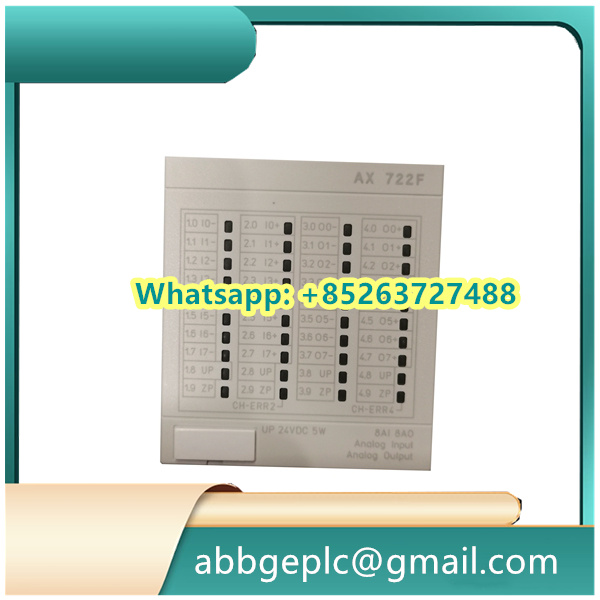
2. Installation of the CB801 Control Board
Follow these steps to install the board into the ABB control cabinet or chassis:
- Locate the designated slot for the CB801 board in the ABB control chassis (refer to the chassis manual to confirm the correct slot—do not install in incompatible slots to avoid signal conflicts).
- Align the board’s edge connectors with the guide rails in the slot. Hold the board by its edges (avoid touching circuit components or connectors) and gently push it into the slot until the edge connectors fully engage with the chassis backplane.
- Use the Phillips screwdriver to fasten the two mounting screws on the top and bottom of the board to the chassis (torque: 0.8–1.0 N·m). Ensure the board is firmly fixed (no wobbling) to prevent loose connections during operation.
- Connect the required cables to the board’s terminals:
- Power cable: Connect the DC power supply (check the datasheet for rated voltage, typically 24V DC) to the “PWR IN” terminals (positive to “+” terminal, negative to “-” terminal—reverse polarity will damage the board).
- Signal cables: Connect input/output (I/O) signal cables (e.g., sensor signals, actuator control signals) to the corresponding “I/O” terminals. Match each cable to the terminal number marked on the board (refer to the datasheet for terminal function definitions).
- Communication cable (if applicable): Connect Ethernet or RS485 communication cables to the “COMM” port (for data exchange with upper-level controllers, e.g., ABB PLCs).



There are no reviews yet.