
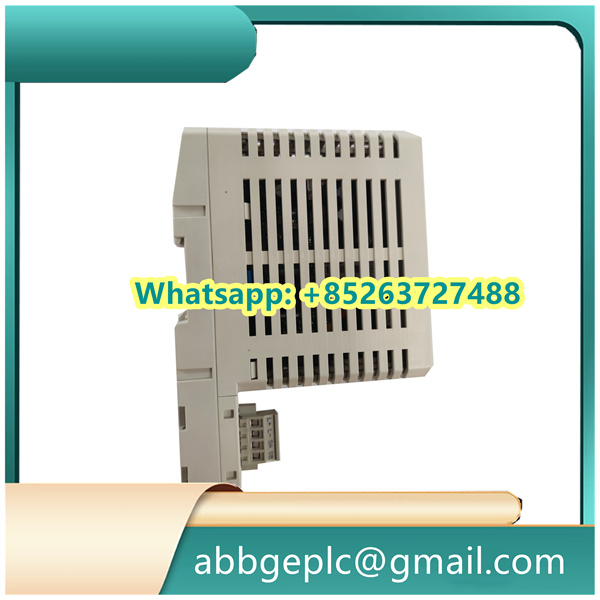
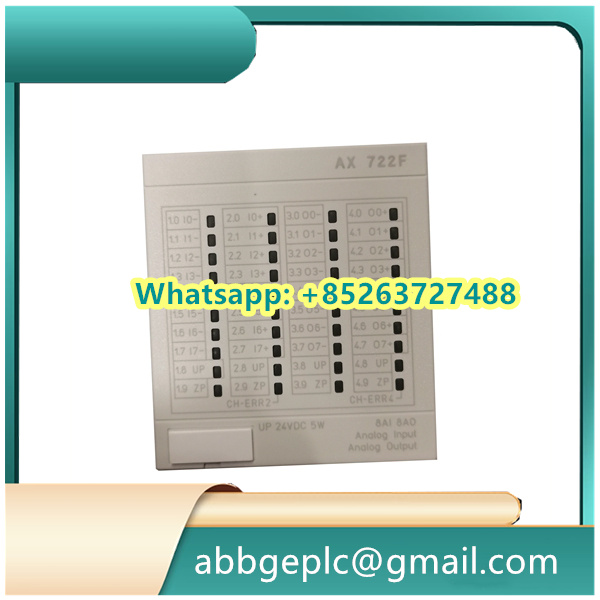
Operation Steps
1. Pre-Installation Preparation
- Verify that the module is compatible with the target industrial automation system (e.g., ABB’s System 800xA) and check for physical damage such as cracks or bent pins.
- Prepare necessary tools: screwdrivers, anti-static wristbands, and a torque wrench. Ensure the working environment is free from excessive dust, moisture, or electromagnetic interference.
- Review the module’s datasheet to confirm voltage ratings (typically 24V DC) and compatible termination units (e.g., TU810, TU812) for signal wiring.
2. Physical Installation
- Power off the system cabinet before installation. Wear an anti-static wristband connected to a grounded surface to prevent electrostatic damage.
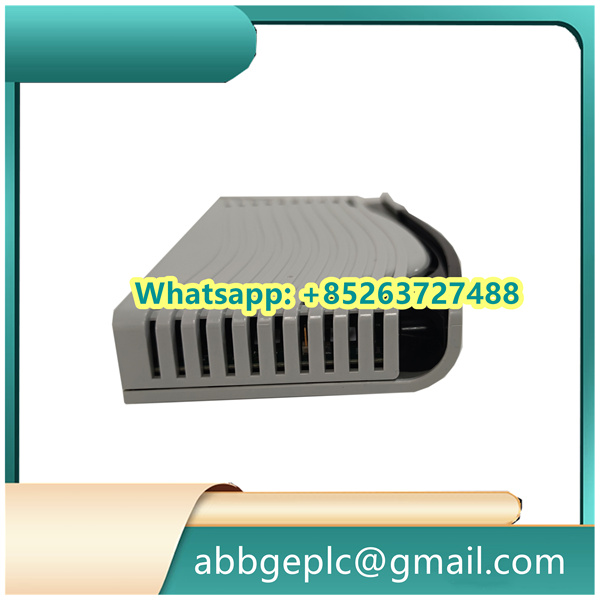
- Align the AI810 module with the designated slot in the rack, ensuring the connector pins match the backplane. Gently slide the module into place until it seats firmly.
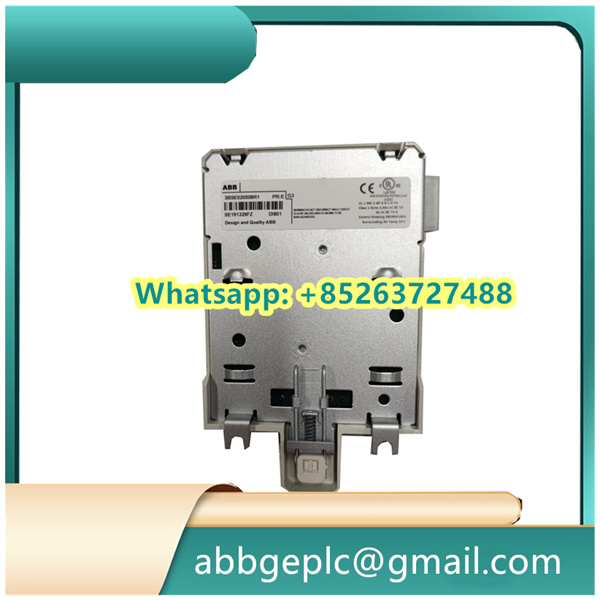
- Secure the module using mounting screws, tightening them to the specified torque (usually 0.5–0.8 N·m) to avoid loose connections.
3. Wiring Connections
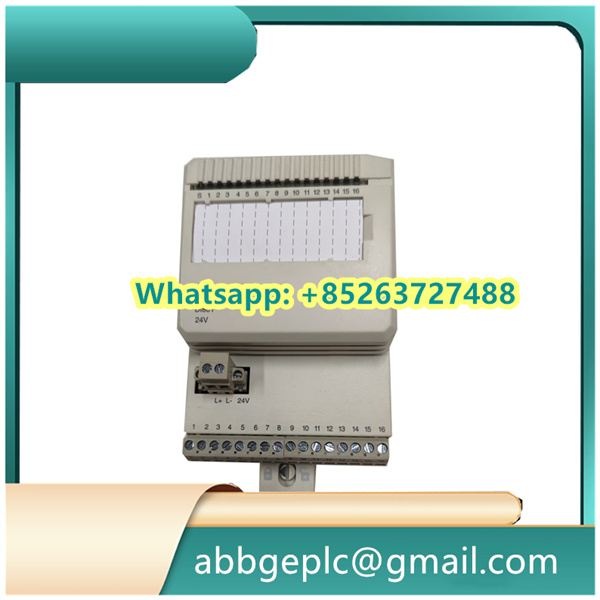
- Connect the 24V DC power supply to the module’s power terminals, ensuring correct polarity (positive to “+” and negative to “-“).
- Use shielded cables to wire analog input signals (e.g., 0(4)..20 mA from sensors or 0..10 V signals) to the corresponding channels on the module. Terminate unused channels with a 100Ω resistor to prevent noise interference.
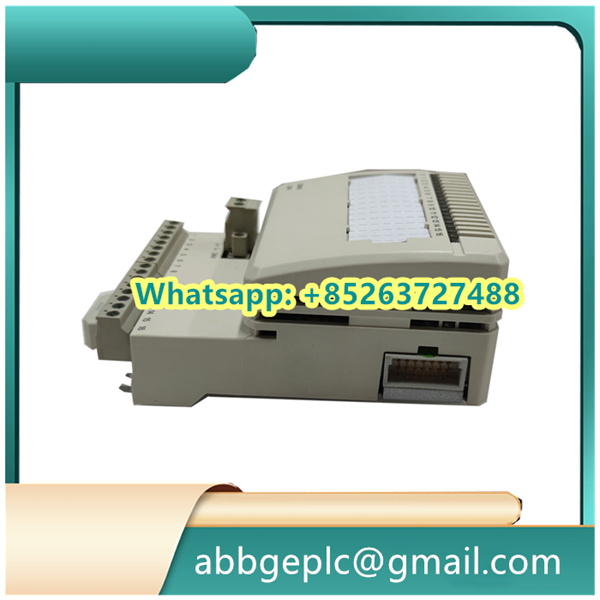
- Attach the module to a compatible termination unit (e.g., TU810) using the provided connectors, ensuring shielded cables are grounded at both ends to minimize signal distortion.
4. System Configuration
- Power on the automation system and launch the configuration software (e.g., ABB Control Builder M).
- Navigate to the hardware configuration menu, locate the AI810 module in the rack, and assign a unique device name or address for communication.
- Configure channel parameters: For each channel, set the input type (current or voltage), scaling range (e.g., 4–20 mA corresponding to 0–100°C), and filter settings (if required for noise reduction).
5. Signal Testing
- After configuration, apply test signals to each channel (e.g., a 4–20 mA current loop using a signal generator).
- Monitor the system’s HMI or diagnostic software to verify that the AI810 converts analog inputs to digital values accurately, within the specified 12-bit resolution tolerance (±0.1% of full scale).
- Check for signal drift or instability. If issues occur, re-inspect wiring connections, shield grounding, or termination unit compatibility.
6. Operation and Monitoring
- Once validated, integrate the AI810 into the control logic (e.g., in PID loops or alarm systems) via the automation software.
- Regularly monitor the module’s status through the system’s diagnostic tools, checking for fault codes (e.g., overvoltage, communication errors) displayed on the HMI or module LEDs.
- Power off the system before performing maintenance (e.g., cleaning or re-wiring) to avoid electrical hazards.
7. Troubleshooting
- If a channel fails to read signals, check for loose wiring, damaged cables, or incorrect scaling in the configuration.
- For communication errors, verify the module’s address, backplane connections, and software compatibility with the automation system.
- Replace the module if physical damage or persistent faults (e.g., unresponsive channels) are detected, following ABB’s recommended disposal procedures for electronic waste.



There are no reviews yet.