
1. Pre-Operation Preparation
1.1 Confirm that the input power supply of the unit matches the rated voltage (check the nameplate for details, usually 220V AC or 48V DC for industrial modules).
1.2 Inspect the physical condition of the module: Ensure no loose pins in the wiring terminals, no signs of corrosion or damage on the circuit board, and the cooling fan (if equipped) is free from blockage.
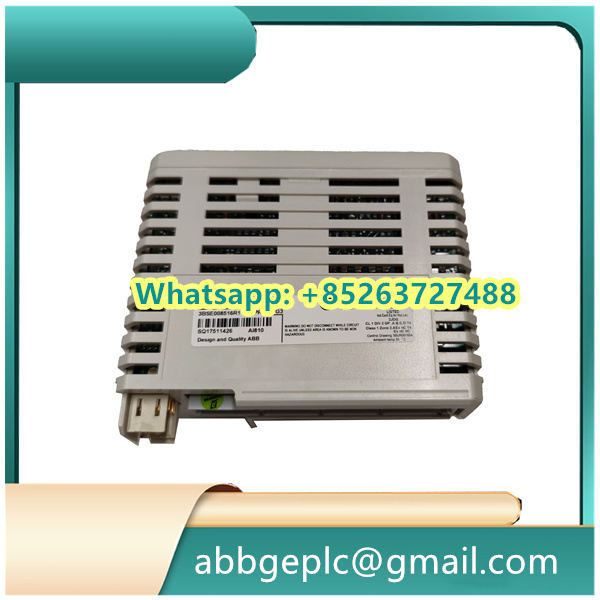
1.3 Verify the correctness of external wiring: Confirm that signal lines (e.g., control signal input, feedback signal output) and power lines are connected to the corresponding terminals as per the wiring diagram, and ensure proper grounding of the unit.
1.4 Prepare supporting tools and equipment: Include a multimeter (for voltage detection), a laptop with matching configuration software (e.g., ABB DriveCom or Control Builder), and insulated gloves (for electrical safety).
2. Power-On Procedure
2.1 Turn on the main power switch of the control cabinet where the module is installed, and observe the power indicator light on it: The indicator should turn solid green (normal power-on state); if it flashes red or remains off, cut off power immediately and check for wiring errors or power supply issues.
2.2 Use a multimeter to measure the voltage at the module’s power input terminals to ensure it is within the allowable fluctuation range (usually ±10% of the rated voltage).
2.3 Wait for the module to complete the self-test (typically takes 30-60 seconds): During self-test, the status indicator may flash alternately; when it stabilizes to solid green, the self-test is successful.
3. Parameter Configuration
3.1 Connect the laptop to the module via the communication port (e.g., RS485 or Ethernet port) using a matching communication cable, and launch the configuration software.
3.2 Establish communication between the software and the 70BA: Enter the module’s default IP address (for Ethernet) or communication baud rate (for RS485, usually 9600 bps) in the software, and confirm the connection status (the software will display “Connected” if successful).
3.3 Load or set parameters as required:
- If a pre-configured parameter file is available, import it into the software and send it to the module (select “Download” in the software menu).
- If manual configuration is needed, set key parameters such as “Control Mode” (e.g., speed control, torque control), “Input Signal Type” (e.g., 4-20mA analog signal, digital signal), and “Overload Protection Threshold” according to the application scenario.
3.4 Save the configured parameters: After setting, select “Save to Module” in the software to ensure parameters are stored in the module’s non-volatile memory (prevents parameter loss after power-off).



There are no reviews yet.