
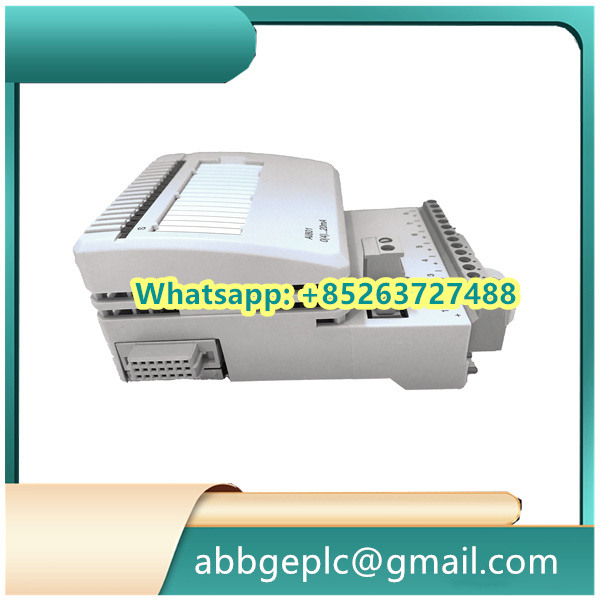
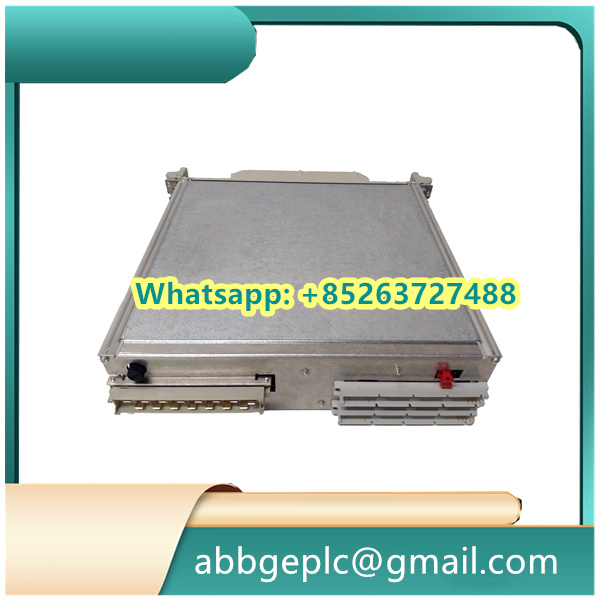
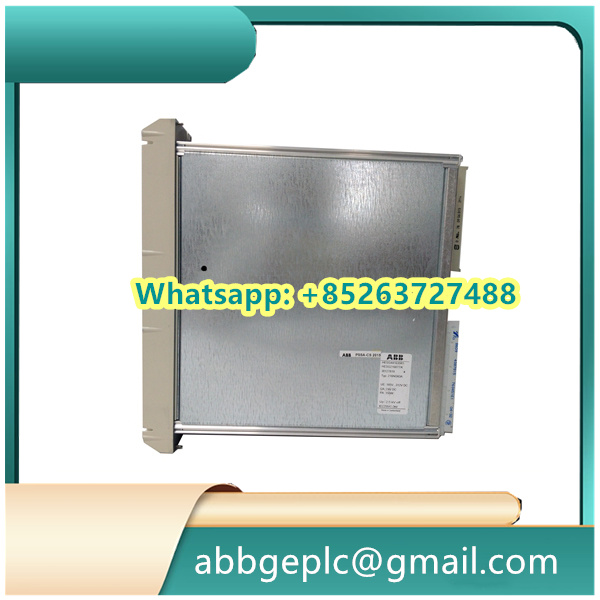
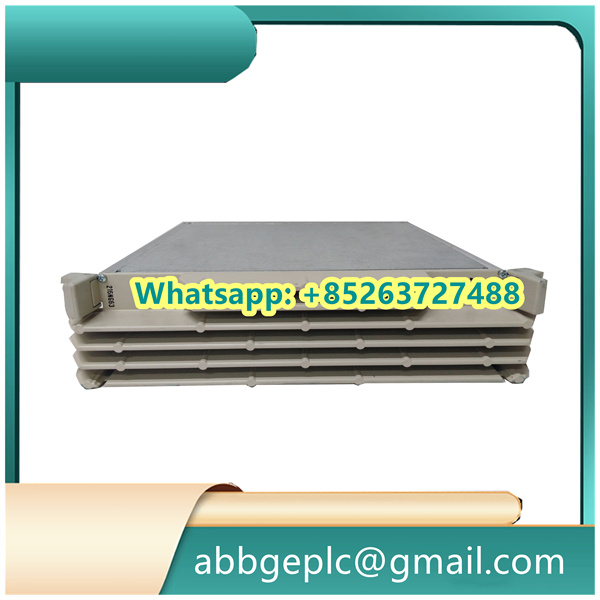
Installation Procedure for PP865A 3BSE042236R2
1. Pre-Installation Preparation
- Environmental Check
Ensure the control cabinet meets IP20 protection grade with ambient temperature between -20°C to +60°C. Verify PCB version markings (e.g.,.Cversion supports eMMC functionality). - ESD Protection
Wear anti-static wristbands and handle the module within an ESD-safe zone. Inspect gold-plated connectors for oxidation prior to installation.
2. Hardware Installation
- Mounting
Secure the 15-inch TFT panel (1024×768 resolution) on DIN rails using bottom locking clips. Maintain ≥50mm clearance for heat dissipation. - Wiring
- Power Supply: Connect 24V DC (±5% tolerance) to
VCC/GNDterminals. Measure voltage stability (<±0.3V fluctuation). - Communication: Use shielded twisted-pair cables (Cat5e recommended) for Profibus DP/RS485 ports. Avoid parallel routing with power cables.
- Power Supply: Connect 24V DC (±5% tolerance) to
3. Power-On & Validation
- Initial Diagnostics
Confirm green LED indicates normal power status. Yellow blinking LED signifies LAN handshaking in progress. - Functional Tests
- Touch Calibration: Execute 5-point calibration via embedded diagnostics menu.
- Network Test: Ping latency should be ≤1ms with packet loss <0.001%.
4. Maintenance Protocols
- Routine Checks
Clean ventilation filters quarterly. Update firmware annually using official.binfiles.



There are no reviews yet.